Lots of ideas.
One clear
next step.
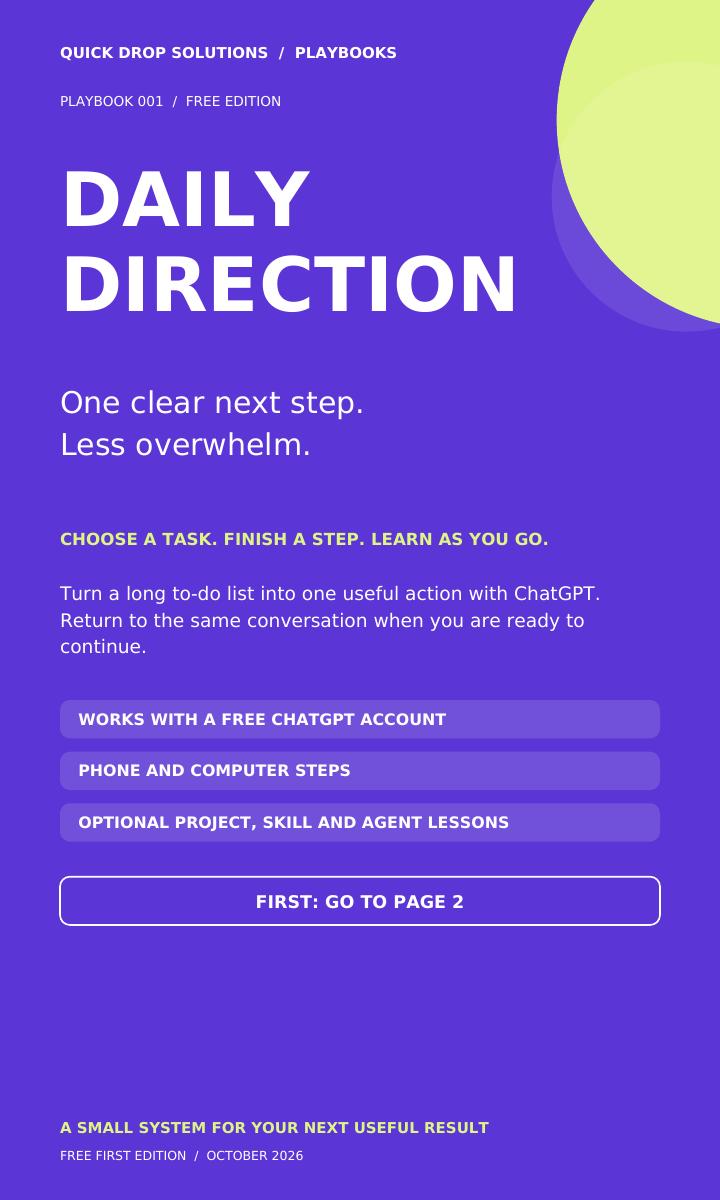
Use ChatGPT to choose a small task, work through it and return when you’re ready to continue.
This free guide shows you exactly what to copy, where to paste it and how to find your conversation again.
Email required. Download after signup. Newsletter optional.
No card required. Use your own free ChatGPT account.
Give today
a smaller job.
Maybe you have an email to write, a CV to update or a side project you keep postponing. Daily Direction helps you choose a useful next action that fits the time you have.
Keep a numbered to-do list under Now, Next, Later and Done. Work through one action at a time and save your list in a simple backup.
- Your situation
- 20 minutes. A CV to update. Other tasks competing for attention.
- Your focus
- Improve the short summary at the top of your CV.
- Your next action
- Answer one question about your experience, then review the draft.
- When you stop
- Save a short progress note so you know where to resume.
Three steps to your first action.
Get your two files
Enter your email in the request form. Choose interests if you want. The PDF and setup text are available on screen after you submit.
Paste into ChatGPT
Open your own ChatGPT account. Start a regular chat and paste the setup message. The guide includes phone and computer instructions.
Answer one question
Tell ChatGPT what you want help getting done. Follow one action at a time and return to the same chat when you need it.
The steps.
The examples.
The help when you get stuck.
The PDF: purpose and examples, exact copy-and-paste steps, how to reopen your chat, simple commands and a manual backup.
The TXT file: the complete setup message from page 6, with nothing extra mixed into the text you copy.
Optional later lessons: Projects, skills and agents where your account supports them. The core routine works without these extras.
Start with one useful step.
Get Daily Direction free. Pick your learning pace and topics in the form if you like. Product news and weekly lessons are a separate, optional choice.
Get my free guide ↗Immediate on-screen access after signup. Automatic email delivery is not enabled yet.
A few useful answers.
Do I need to pay for ChatGPT?
A free ChatGPT account is enough for the core text routine. Usage limits still apply. Optional advanced features depend on your account and what is available on your device.
Where does my Daily Direction live?
In a regular conversation in your own ChatGPT account. The guide shows you how to name and find that chat, and how to keep a separate progress note as a backup.
Does this read all my previous chats?
No. You choose what to share with ChatGPT. The guide includes an optional way to review selected older conversations. Quick Drop Solutions does not receive your ChatGPT conversations.
Do I have to subscribe to marketing emails?
No. Leave the optional marketing box unticked and you can still get the files. We record your guide request. Weekly lessons and relevant product news require separate permission.
Will this automatically do my tasks or install an agent?
The core is a guided chat routine. It does not install software, publish your work, send messages or run a background agent. You review the work and choose what to do.
What if a download or step does not work?
The download page includes save instructions and the setup text you can copy directly. The PDF has a help prompt and quick fixes. You can also contact info@quickdropsolutions.com.au and describe the step and device. Do not send passwords or private chat exports.

Useful tools, explained one step at a time.
I made Daily Direction for people with lots of ideas who need help choosing where to begin. My aim is to make useful tools easier to understand, so you can make progress one small step at a time.
Follow @quickdropplaybooks ↗Tell me what really happened.
What did you use Daily Direction for? What helped, and what was confusing? Honest criticism helps me improve the next version.
The guide stays free whether or not you leave feedback. Permission to quote a review publicly is a separate, optional choice.
Share your honest experience ↗